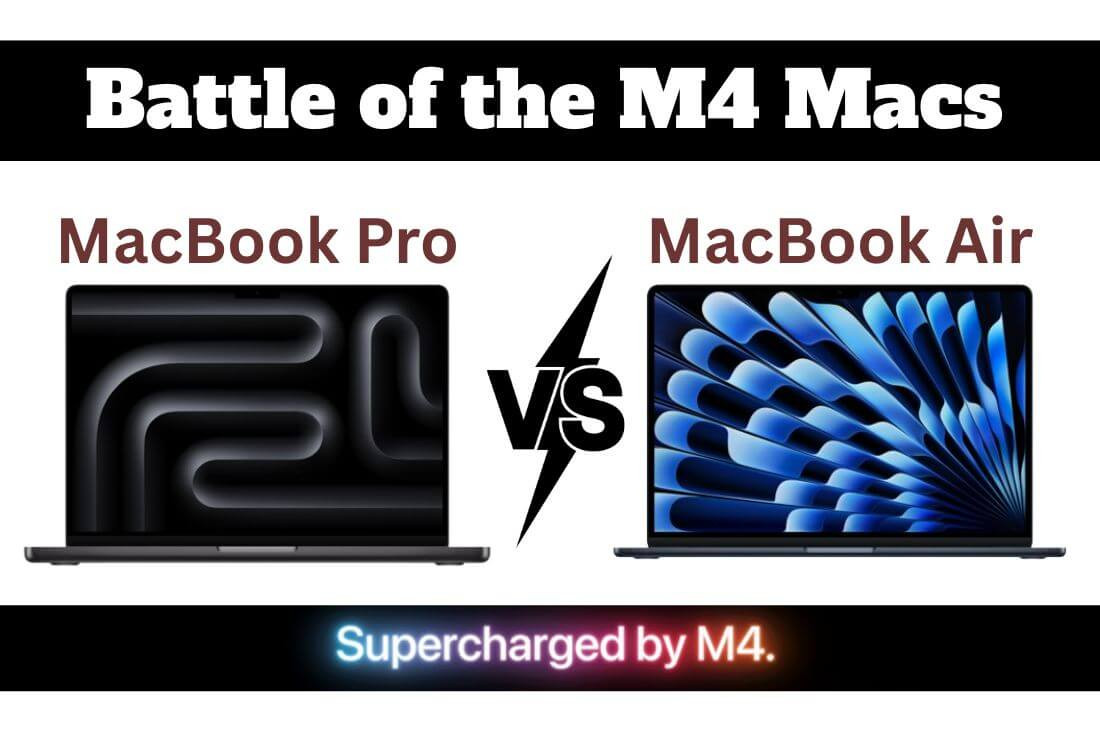
Apple's addition of the M4 chip has improved both the MacBook Air and MacBook Pro in terms of speed, efficiency, and overall performance. Following the latest update, many customers are getting confused about choosing MacBook Air vs. Pro.
Although both include many great features, they aim to serve different audiences. For anyone, regardless of whether you are a regular user, a creative expert, or studying, picking the right Mac is essential. So, which one is better, MacBook Pro or Air?
This guide outlines the main differences between them, including design, performance, and other key aspects. Find out what features set them apart, and then comfortably choose the one for you. So, let's compare and find your best match.
Key Differences Between MacBook Air and MacBook Pro
The difference between MacBook Air and Pro starts with their design and functionality. So, let's look at their detailed comparison here:
Design and Features
The Air version is lightweight and slim, as it is designed for portability. The best part is that it features a fanless design. However, it struggles when running heavy tasks for extended periods. On the other hand, the MacBook Pro is equipped with active cooling, ensuring it does not lag during intensive work.
Build Quality and Display
The MacBook Pro is both heavier and thicker than the Air because it features a more powerful design. It features a brighter and higher display quality, reaching up to 1600 nits with HDR, compared to the Air's 500 nits. So, it is more suitable for creative workflows and video editors.
Battery and Weight
When it comes to battery, both are good. However, the MacBook Pro lasts longer than the MacBook Air, with some models reaching up to 24 hours, while the Air models with the M4 chip offer up to 18 hours. When it comes to weight, the MacBook Air weighs approximately 2.7 lbs, while the Pro weighs around 3.5 lbs.
Performance Breakdown: How Do They Compare?
MacBook performance has been raised to a new level thanks to the M4 chip. Although their processors are the same, the MacBook Air and MacBook Pro exhibit real differences in their capabilities due to their distinct designs and handling of other features. So, here is their performance breakdown:
Performance of M4 Chip on Both
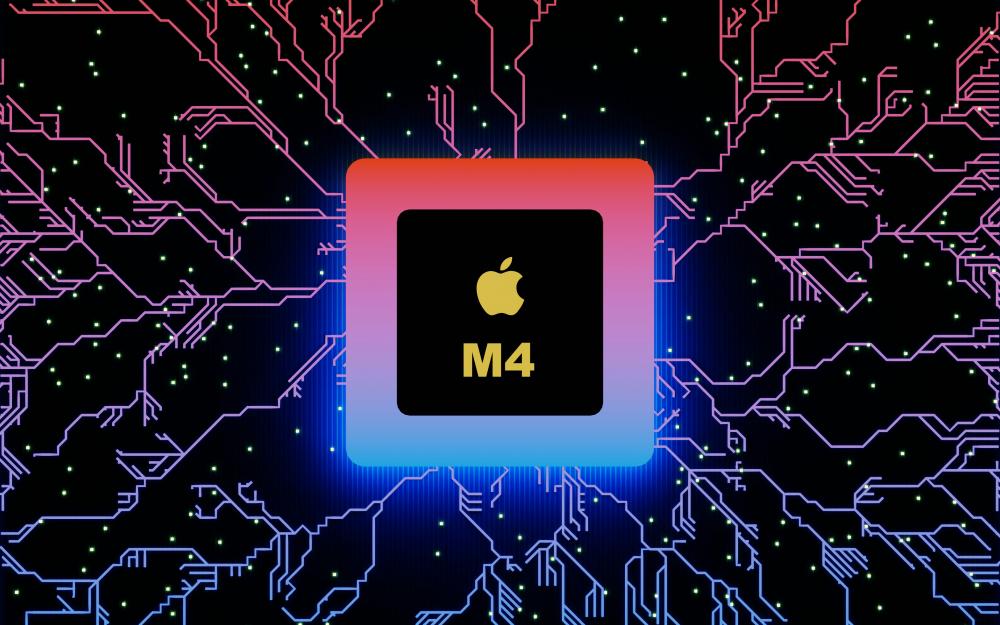
They both have the efficient M4 chip, which contains four high-performance cores and six efficiency cores. Their performance benchmark shows that their single-core performance is almost the same on both models, measuring approximately 171 for the Pro and 170 for the Air. But, with multicore, 36% faster results can be achieved compared to the Air option.
High-performing Features of MacBook Pro
The MacBook Pro features its own thermal design and active cooling. So that is why it can maintain its performance during heavy usage. For this reason, it works best for creatives and other professionals. Some of the best AI tools and other creative tools, such as Xcode, Video Export, and Photoshop, run better on a MacBook Pro than on an Air.
High-performing Features of MacBook Air
The MacBook Air is a popular choice among students, as it works well for everyday tasks. So, if you value speed along with a good battery life, then Air can be a suitable option for you.
Feature Highlights That Matter Most
When comparing two models, knowing the most notable MacBook features is helpful. It can help you choose one that suits your needs. So, let's know that!
Display and Brightness
- The MacBook Pro: It offers a Retina XDR display, mini LED technology, and up to 1,600 nits HDR brightness. Therefore, it is suited for creators who work in bright or color-critical settings.
- MacBook Air: It is best for students and office use because of its 13-inch display with 500 nits. The P3 color feature will provide excellent brightness and clarity.
Ports and Connectivity
- The MacBook Pro: It has HDMI, an SDXC card slot, along with three Thunderbolt 5 ports. It adds real-world convenience for office users, photographers, videographers, and others.
- MacBook Air: It comes with two Thunderbolt 4/USB C ports and MagSafe charging. However, in some cases, it requires an adapter.
Audio and Camera
- The MacBook Pro: It includes six speakers, force-cancelling woofers, and a studio-quality three-mic array. So, the Pro is great for music, calls, and voice work.
- MacBook Air: It offers four speakers and Spatial Audio, as well as a 12MP Center Stage camera. The air is excellent for meetings, lectures, and taking notes.
Real-Life Value
- The MacBook Pro: The ports, ultra-bright screen, and great audio make the Pro a good choice for creators. It helps them to be more productive and lowers dependency on dongles.
- MacBook Air: The long battery life, clear display, and lighter frame make it best for regular office use and students.
Which One Is Right for You?
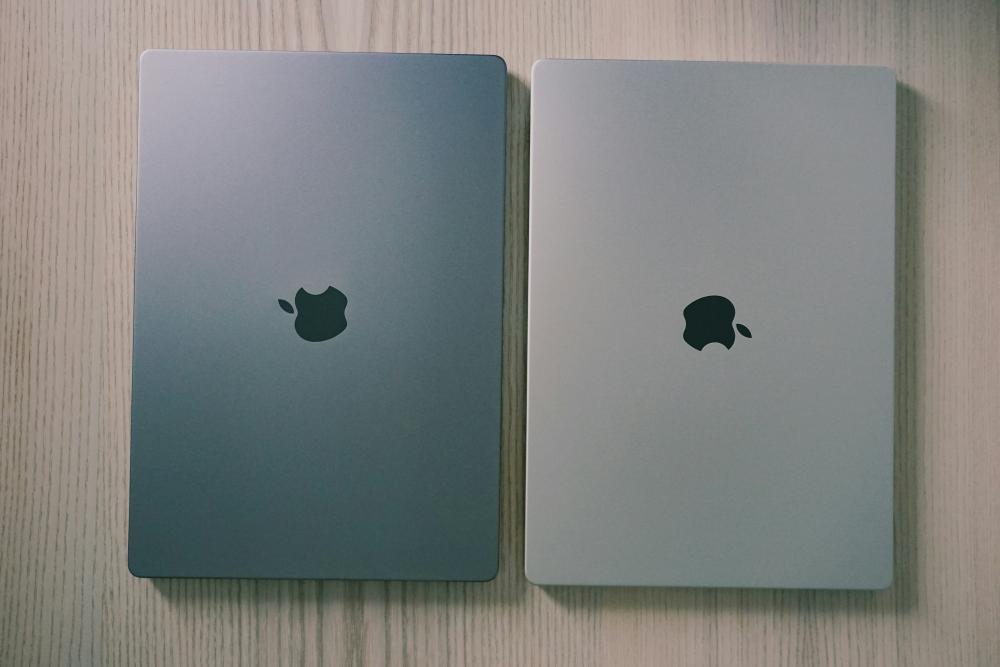
If you are searching for MacBook reviews, which one is right for you? Well, it depends on many things. The performance you want, battery life, price, and others are some deciding factors. So:
Choose MacBook Air If:
You are a content creator, a student, or an office user looking for a high-performing, portable, and lightweight MacBook.
Choose MacBook Pro If:
You need to do heavy work or use advanced tools that require active cooling, extra ports, and a good display.
Emphasize Price-to-Performance Ratio
The 14-inch M4 MacBook Pro offers an impressive price-to-performance ratio with 24 GB of RAM. It can handle even big tasks, and its SSDs range from 512 GB to 2 TB.
Available in 13- and 15-inch models, the M4 MacBook Air also offers a good price-to-performance ratio with its 16 GB RAM and 256/512 GB SSD. It can be expanded to 2 TB through an update.
Kuwait Market Consideration: Price, Availability, and Buying Tips
In Kuwait, you can find several authorized sellers, such as the Next Store, that sell both MacBook Air and Pro models at competitive prices with a warranty. So, the price of the MacBook Air starts from KD 559.000 while the Pro is available from KD 509.000. On Next Store, there is an ongoing discount of 6% to 7% on every purchase.
So, go and grab the best deal possible. But keep a few things in mind when buying:
- Always buy what you actually need.
- Do not overspend
- Only buy from authorized sellers like Next Store
- Compare prices from different sites
Conclusion
Both the MacBook Air and MacBook Pro now have M4 chips, Apple's silicon. It provides them with a considerable boost in speed, performance, and smooth operation. Still, what they are good at depends on the individual's needs.
Students and basic users can opt for the MacBook Air for everyday use. However, if you need longevity and do heavy work, consider buying a MacBook Pro. Discover the most recent M4 MacBooks at Next Store and pick one that meets your needs.